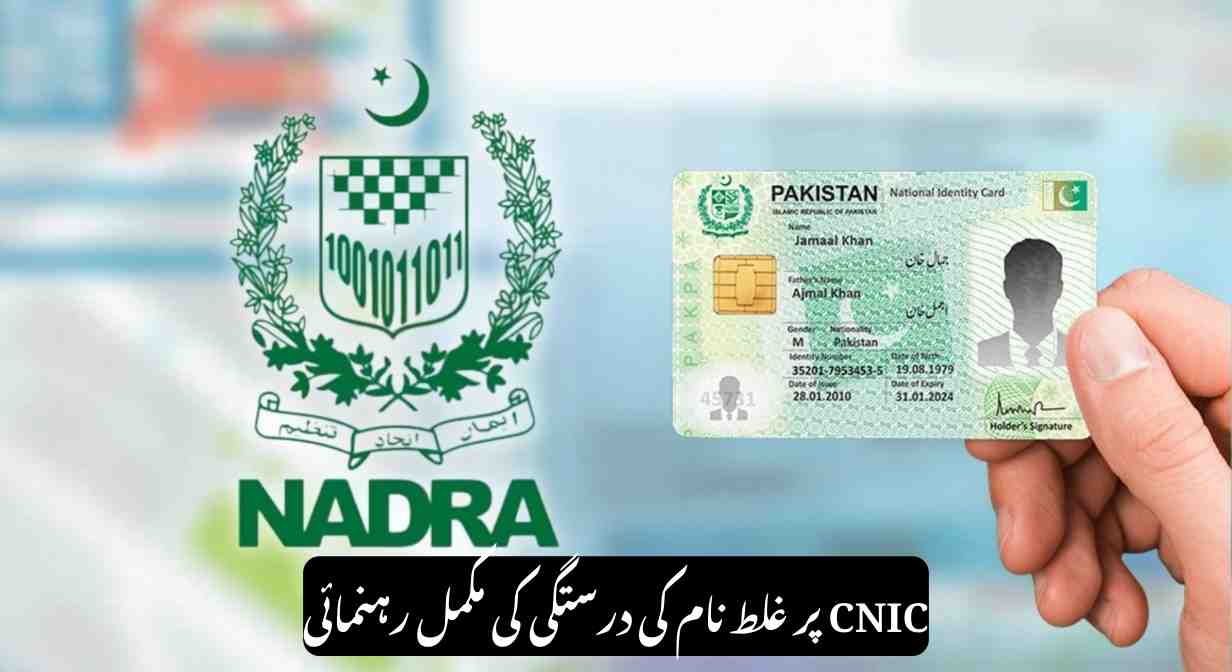
Correcting a name on your CNIC (Computerized National Identity Card) is a common process in Pakistan, often required due to spelling mistakes, legal name changes, marriage, or clerical errors. NADRA has streamlined the procedure in 2025, but applicants must follow the proper steps and provide valid documents. This guide explains how to correct your name, the required documents, fees, and processing times.
Who Can Apply for Name Correction?
You can request a CNIC name correction if:
- Your name is misspelled on the CNIC.
- You have legally changed your name.
- You want to add or remove parts of your name.
- Your name changed after marriage.
- You need your CNIC to match official records like a passport, matric certificate, or marriage certificate.
This process applies to both normal CNIC and Smart CNIC holders.
Steps to Correct Name on CNIC in 2025
- Visit a NADRA Registration Centre
- Online corrections are limited, so a personal visit is required.
- Collect a Token
- Take a token and wait for your number to be called.
- Biometric Verification
- Your fingerprints, photograph, and digital signature will be captured.
- Submit Supporting Documents
- Provide documents relevant to your correction (see below).
- Form Review and Verification
- Check the printed form for accuracy. Most applications require verification by a Gazetted Officer (Grade-17 or above).
- Submit Form and Receive Receipt
- Submit the verified form and get a tracking receipt. Use it to track your application via SMS or online.
Required Documents
- After Marriage: Nikahnama or marriage certificate.
- Affidavit: Court affidavit, newspaper advertisement, and father’s CNIC.
- Orphan / Unknown Parent: Court-issued guardian certificate.
- Father’s or Husband’s Name Correction: CNIC of father/husband with supporting proof.
Always bring both original documents and photocopies.
NADRA Fees for Name Correction (2025)
| CNIC Type | Normal Service | Urgent Service | Executive Service |
|---|---|---|---|
| Normal CNIC | Rs. 400 | Rs. 1,150 | Rs. 2,500 |
| Smart CNIC | Rs. 750 | Rs. 1,500 | Rs. 2,500 |
Processing Time
- Normal Service: 30 days
- Urgent Service: 15 days
- Executive Service: 7 days
Tracking Your CNIC
- Send your 13-digit CNIC via SMS to 8400.
- Use the CNIC tracking tool on www.nadra.gov.pk.
Notes for Smart CNIC, NICOP, or POC
Some steps for Smart CNIC, NICOP, or POC applications can be started via the Pak-ID App or NADRA web portal, but biometric verification at a registration centre is generally required.
Conclusion
Correcting your CNIC name in Pakistan is straightforward if all steps are followed carefully. Submit accurate documents, pay the appropriate fee, and track your application online to ensure your identity details are updated efficiently.